How to Prepare Your Files for Printing: A Step-by-Step Guide
Printing can be a straightforward process, but preparing your file properly is essential for achieving high-quality results. At Pioneer Press of Greeley, Inc., we pride ourselves on offering top-notch printing services, whether you need digital prints or large-volume products. With over 40 years of experience as your trusted local printing company, we’re here to guide you through the steps essential for preparing your files for printing efficiently.
Step 1: Choose the Right File Format
The first step in preparing your files for printing is selecting the appropriate file format. The most common formats for printing are PDF, TIFF, and EPS. PDFs are particularly popular because they preserve fonts, images, and layout without losing quality. Ensure that your chosen format is compatible with our printing services to avoid any hiccups in the production process.
Step 2: Set the Correct Dimensions and Bleed
Setting the correct dimensions is crucial to ensure your printed materials look polished. Always create your design according to the final size it will be printed. Additionally, include a bleed area, which is typically an extra 1/8 inch around your artwork. This ensures that there are no white edges when the material is trimmed.

Step 3: Use High-Resolution Images
When it comes to images in your design, quality matters. Always use high-resolution images, ideally 300 DPI (dots per inch), to avoid pixelation in the final print. If you’re sourcing images online, ensure you have the right licenses and that they are suitable for print. Low-resolution images may look fine on screens but will appear blurry when printed, impacting your brand’s professional image.
Step 4: Check Color Settings
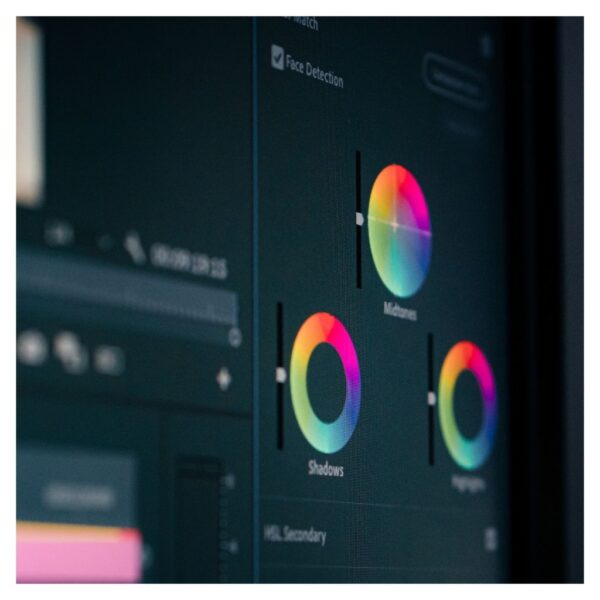
Color settings also play a significant role in how your printed materials will turn out. Ensure you’re working in CMYK color mode, which is optimal for printing. RGB mode is used for digital displays and may not produce the colors you expect in print. If you’re unsure about color accuracy, consult with our expert team at Pioneer Press to avoid any surprises.

Step 5: Review and Proofread
Before sending your files to print, take the time to review and proofread your content. Spelling errors, misalignments, or incorrect details can detract from the quality of the final product. It’s often helpful to have someone else review your work to catch mistakes you might have overlooked. After ensuring everything is correct, you’re ready to proceed!
By following these steps—choosing the right file format, setting dimensions, using high-resolution images, checking color settings, and proofreading—you can ensure a smooth experience with your local printing company. At Pioneer Press of Greeley, we are here to assist you with our reliable printing solutions. Get in touch with us today and let us help you bring your vision to life!
Contact Us